Guided campaign setup
Step-by-step setup covers budget, channels, audiences and checks.
Use the self-serve console with role-based seats, or let campaign managers on the managed desk handle setup, pacing and optimization. Reporting, permissions and audit trail stay the same.
The console is the self-serve side of Vectravia: guided campaign setup, role-based seats for agencies and brands, and API access for in-house teams who want to automate.
The managed desk is the same platform run for you. Campaign managers set up, pace and optimize your campaigns, and you see exactly what they changed, because both modes share one set of reports, permissions and audit trail.
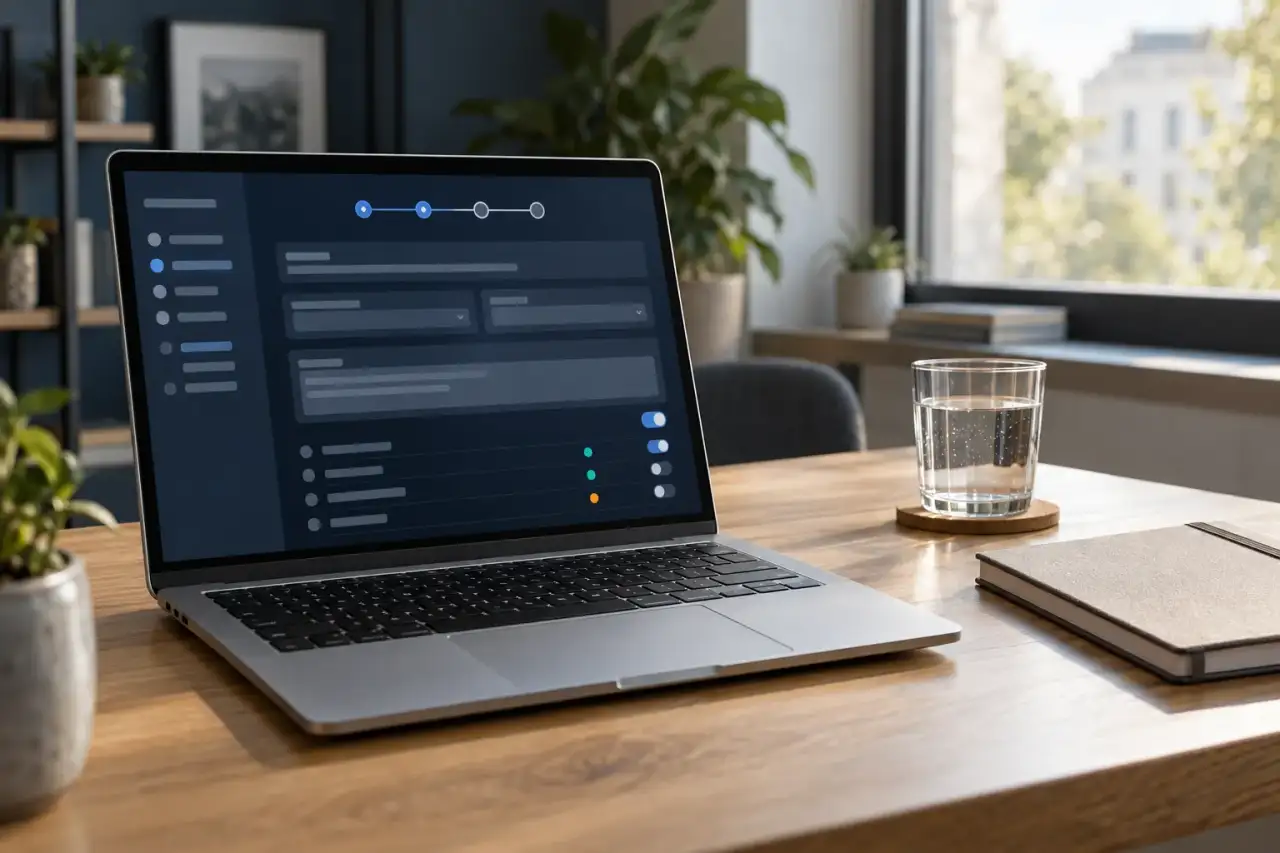
Step-by-step setup covers budget, channels, audiences and checks.
Give planners, traders and clients the access each role needs.
On the managed desk, campaign managers run setup, pacing and optimization.
Every change is logged with who made it, in both modes.
In-house teams can create campaigns and pull reports through the API.
Exports are available whichever mode you choose.
Open seats for your team, ask for the managed desk, or do both for different accounts.
Managed campaigns live in the same workspace your team can see, with the same reports.
Move a campaign to the desk or back to your team without rebuilding it.
The audit trail shows each change and who made it, so nothing is hidden.
| Standard | What it does here |
|---|---|
| OpenRTB 2.6 IAB Tech Lab | The same bidding and the same channel objects run underneath both modes. |
| MRC viewability guidelines MRC | The same viewability rule applies to every report, self-serve or managed. |
| sellers.json IAB Tech Lab | The same supply-path evidence appears next to placements in both modes. |
Console and Managed Desk covers all seven channels, because every campaign in Vectravia runs through it.
Ad pods and SSAI-aware bidding
In-stream and out-stream video
Banner inventory with quality controls
Ads that match the page they sit on
Streaming audio and podcasts
Screens in the real world
Mobile apps with app-ads.txt checks
One budget, pacing and frequency view across seven channels.
Measured and modeled numbers, labeled apart.
Supply-path checks against ads.txt and sellers.json before every bid.
No. Both modes use the same reports, permissions and audit trail. The only difference is who makes the changes.
Yes. Role-based seats let an agency give a client read-only reporting access while traders keep edit rights.
Yes. Campaigns can move between the managed desk and your own team without being rebuilt. See self-serve or managed for how teams usually decide.
Book a walkthrough of the console with your channels, your supply and your reporting needs.